
Your Coffee Maker Won’t Turn On, but the Machine May Not Be Dead
· NookPrep Editorial Team
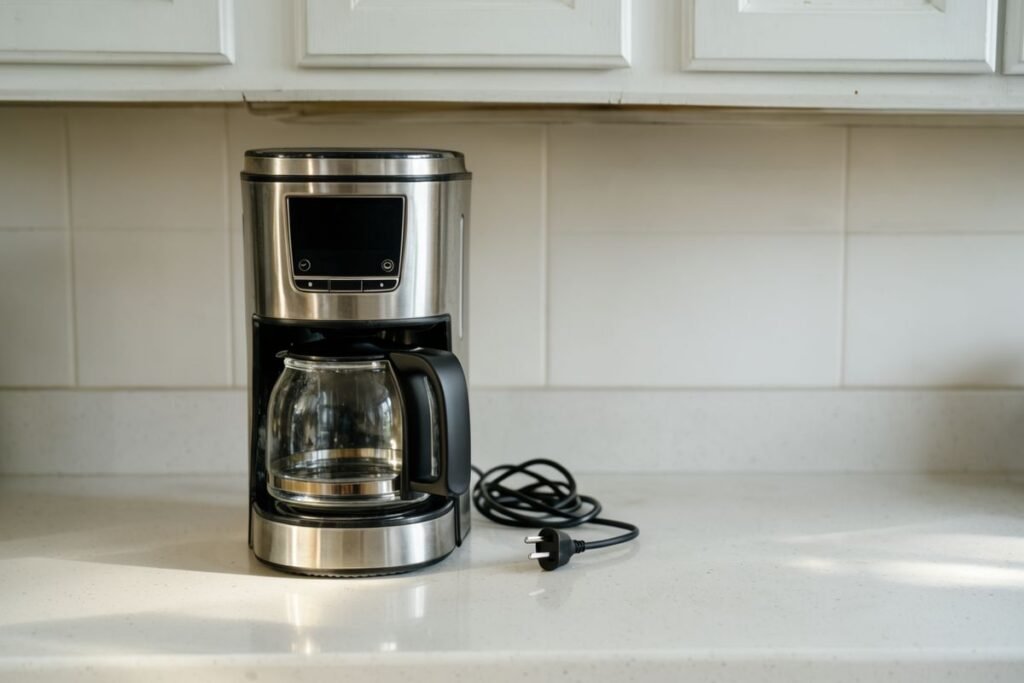
You press the power button and wait for the familiar light. Nothing happens. No click, no clock, no warming plate. Before replacing the coffee maker, separate a problem with the outlet from a problem inside the machine. Those two situations can look identical from the front panel, but the safe next step is different.
Start with a simple question: is the machine completely dark, or does it show signs of life but refuse to brew? If it is completely dark, check the external power supply and any documented main switch. If it lights up, follow its model-specific brewing or error instructions instead. A burning smell, damaged cord, hot plug, wet electrical base, or repeatedly tripping outlet is a stop-use signal, not an invitation to try another reset.
Start here, without taking the machine apart. The safest next step depends on what you can actually observe:
On a phone, swipe the table sideways to see every option.
| What you notice | What it suggests | Your next move |
|---|---|---|
| No lights, sounds, or display | A power-source or power-control question, not yet a confirmed appliance failure | If everything is dry and undamaged, verify the outlet using a known-working lamp and consult your exact model’s power-switch instructions. |
| Lights work, but brewing will not begin | The appliance is getting some power; a model-specific condition could be preventing a cycle | Record the display or error and check the manual for reservoir, lid, and program requirements. |
| Outlet trips, cord is damaged, or anything smells hot | Potential electrical hazard | Stop using the brewer; do not keep resetting the outlet or opening the housing. Seek qualified service. |
These are triage clues, not a way to diagnose a fuse, heating element, or control board from your kitchen counter.
Image note: The kitchen photograph-style illustration was generated for this guide. It is not a photograph of a unit diagnosed or tested by NookPrep.
A dark display is not the same as a failed brew cycle
“My coffee maker won’t turn on” can describe at least three situations. One machine has no lights, no sound, and no display at all. Another lights up but does not start when Brew is pressed. A third starts, then stops midway. The first raises a power-supply question. The second may involve a setting, reservoir, lid, or error condition. The third could involve a different operational or safety fault. Do not apply the same supposed fix to all three.
Write down exactly what you see before searching for help: whether the clock works, whether a light blinks, whether there is an error code, and whether the failure began after cleaning, moving the machine, or a power interruption. These observations will also help manufacturer support if you need service. You do not need to remove a panel or touch internal components to collect them.

Check the outlet before blaming the coffee maker
Unplug the coffee maker and look at the setup. The cord and plug should be intact, the countertop and outlet area should be dry, and the receptacle should not be discolored, unusually warm, loose, or buzzing. If you notice damage or heat, stop here. Do not reconnect the brewer to see whether it will “work one more time.” A qualified electrician should evaluate an unsafe outlet, while a damaged appliance cord or plug requires manufacturer-approved service or replacement.
When everything appears dry and undamaged, use a known-working small device such as a lamp to check whether the receptacle provides power. This is a useful first split: if the lamp is also dark, you have not established that the brewer is defective. Check other outlets and whether a kitchen GFCI receptacle has tripped. A GFCI may protect other receptacles on the same circuit, so its reset button may be elsewhere in the kitchen.
Follow the GFCI manufacturer’s instructions and do not bypass its protection. If the receptacle will not reset, trips again, or a circuit breaker repeatedly opens, leave the coffee maker disconnected. The U.S. Consumer Product Safety Commission recommends unplugging appliances that repeatedly trip a breaker or fuse and having them repaired or replaced. It also advises getting a qualified electrician to check outlets that become unusually warm or hot.
If the lamp works normally, you have evidence that the outlet is supplying electricity. Reconnect the coffee maker only if the plug, cord, machine, and surroundings are dry and undamaged, and there has been no repeated protective trip. Use a suitable wall outlet rather than an overloaded power strip or improvised extension-cord arrangement. A working outlet does not prove the brewer’s internal wiring is healthy; it simply narrows the problem.
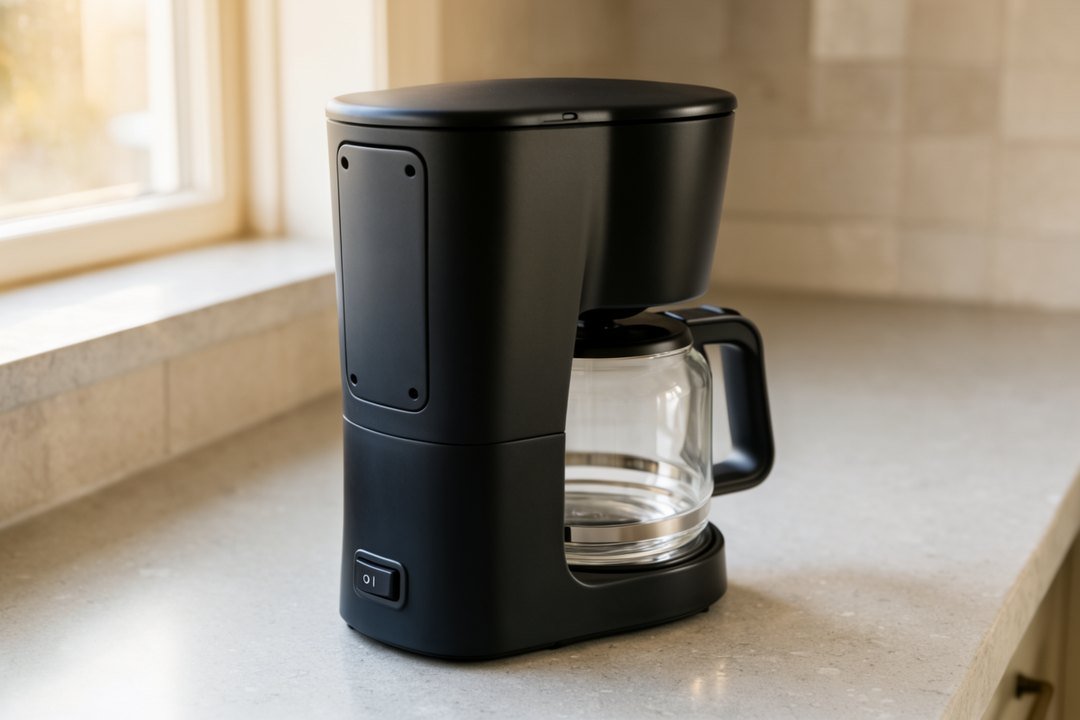
The overlooked switch that can make a working machine look dead
Not every coffee maker has just one power control. Some have a main switch on the back or underside as well as a front-panel button. That can be easy to overlook after moving the machine to wipe the counter. Miele’s U.S. support page documents a separate main switch on some of its countertop machines. That is a reason to consult your own model’s instructions, not proof that every brewer has a hidden switch.
Those instructions are examples, not universal reset steps. Find the exact model number on your machine’s label and consult its manual. If the manual shows a main switch, verify that it is in the documented operating position. Make sure the plug is seated normally and use the stated startup sequence. Avoid holding random buttons for an arbitrary number of seconds. A long press may wake one model, start cleaning on another, or do nothing at all.
What changes if the problem started after cleaning?
If the coffee maker worked before you cleaned it but is now completely unresponsive, unplug it before investigating. Check the outside for moisture and whether water spilled near the cord, plug, controls, or base. If liquid entered electrical parts, do not rely on a guessed drying period to declare the machine safe. Contact the manufacturer or qualified service provider for advice. The CPSC warns against operating wet electrical appliances because of shock and fire hazards.
If the display still works but the brew cycle will not start, the relevant checks may be less dramatic. A removable water reservoir may be unseated, a lid may not be fully closed, or a brew basket may be out of place. These are model-dependent possibilities, not universal interlocks. Reseat only the user-removable parts shown in the manual, with the unit unplugged where appropriate. Never defeat a lid switch or safety mechanism to force a cycle.
Descaling can help certain brewing problems when the manufacturer’s instructions call for it. It is not a sensible first response to a completely dead electrical display. Pouring cleaning solution into a machine with no confirmed power will not diagnose a failed outlet, cord, or switch. Conversely, a brewer that powers on and displays a descale reminder should be handled according to its exact manual, not by assuming the electronics have failed.
If the machine lights up but will not brew, change your approach
A glowing display tells you the brewer has at least some electrical power. Now look for a water-level warning, descale notice, error message, flashing indicator, or an unusual beep pattern. Check whether the machine is in an automatic-start program rather than an immediate brew mode. Consult the model’s instructions for normal carafe placement, tank seating, and start controls. These are external, user-level checks; they do not require dismantling the appliance.
Some machines have a sleep or idle state that makes a quick tap appear ineffective. Miele documents a model-specific way to wake certain machines from idle mode. That does not establish a universal ten-second reset or a trick that works on every coffee maker. If the exact manual gives a wake procedure, follow it. If not, avoid treating internet button combinations as verified instructions.
If the machine begins a cycle and then stops, note when it happens. A machine that stops before water moves presents a different symptom from one that runs briefly and shuts down. Do not keep restarting it if the unit is leaking onto its base, smells electrically hot, trips protection, or behaves erratically. Those observations matter more than getting one more cup out of it.
What can a working outlet tell you, and what can’t it?
It is tempting to see a lamp light up in the same wall receptacle and conclude that the coffee maker must have a broken heating element. That is a much bigger leap than the test supports. A working lamp confirms that this outlet was able to power that particular low-demand device at the time you checked it. It does not confirm that every part of the coffee maker is safe, and it cannot tell you which component inside the brewer might be faulty.
The sequence still matters. First, stop if the plug, receptacle, counter, or appliance base shows any moisture, charring, loose parts, or heat damage. Do not test those conditions with a lamp or another appliance. If everything is visibly dry and intact, a simple outlet check is useful for separating an obvious power-source problem from an appliance-side question. If a GFCI or breaker trips again after a reset, repeated trial-and-error is not a troubleshooting plan. A protective device that keeps opening needs attention from a qualified professional.
For a brewer with a working clock, ask a different question: did the selected brew program actually start? A clock can show power while a timer, lid interlock, reservoir warning, or model-specific sleep setting prevents a cycle. If an indicator blinks, write down its pattern rather than assuming it means a failed pump. Some machines begin with a warm-up or startup check; others respond immediately. Only the exact user guide can tell you which behavior is expected.
One useful habit is to write a two-line incident note. Include what the brewer did when you pressed the button, whether other devices worked at the outlet, and whether cleaning or a power outage happened just beforehand. That brief record helps you avoid forgetting a detail when support asks and keeps you from inventing a failure diagnosis.
What should you have ready before calling the manufacturer?
Support conversations are easier when they begin with the actual model and a reproducible description of the symptom. Look for the model name and number on an exterior rating label, without opening the case. Find the receipt or order history if you can. Describe which lights or sounds appear, whether there is an error code, and whether the unit has ever tripped its outlet or breaker. Tell the agent about spills or visible damage immediately rather than burying those details at the end.
Ask a practical set of questions. Does the manufacturer document a safe reset or standby procedure for this exact model? Is your unit covered by warranty? Is there an approved local service route? What should you do if electrical parts may have become wet? And if repair is recommended, can you get a written estimate before paying shipping fees? You do not need to identify an internal fuse or control-board part number to ask useful questions.
These steps can feel slower than searching for a five-minute repair video. They usually protect you from a much more expensive mistake: buying a part that was never proven faulty, or continuing to use an appliance that should have been taken out of service.
The safe decision tree, without opening the case
- The outlet has no power: Leave the coffee maker unplugged while checking the GFCI or circuit situation. Persistent faults need qualified electrical help.
- The outlet works, but the machine is completely dark: Check the plug and any main switch documented for your exact model. If still dead, contact the manufacturer about service.
- The machine lights up but refuses to brew: Follow the specific indicator or error state and verify only manual-approved removable parts and settings.
- The GFCI or breaker trips repeatedly: Stop using the machine. Do not defeat protective devices or repeatedly reset them.
- The cord is damaged, the plug gets hot, or liquid reached electrical parts: Disconnect the appliance and arrange appropriate professional assessment.
This sequence avoids a common mistake: using a successful outlet test to assume the whole coffee maker is safe. A lamp proves that a receptacle has power at the moment of the test. It does not inspect the brewer’s heater, control board, insulation, or internal wiring. Likewise, a working clock is not a guarantee that the heating circuit is safe to run.
When to seek repair and when replacement makes more sense
If the brewer remains completely dark at a known-working outlet after checking the controls described in its manual, gather the model number, purchase date, and a short account of the failure. Manufacturer support can tell you whether the model has an approved recovery procedure, whether a warranty applies, and what service options exist. Do not buy a replacement fuse, thermostat, or control board merely because someone online matched a similar symptom. No lights does not identify a specific failed part.
Repair economics depend on the machine. A newer or more expensive brewer may justify a warranty claim or service estimate. A basic older machine may cost more to ship and repair than a suitable replacement. There is no reliable universal dollar cutoff: warranty terms, parts, labor, and location all vary. Ask for a quote if service is offered, and compare the complete cost with the cost of a new model that actually fits your kitchen.
If you decide to replace it, consider the annoyances that existed before the failure. Was the tank awkward to fill beneath cabinets? Was the carafe too large for one person? Did the lid require more overhead clearance than you had? Measure the available counter space and lid-opening clearance rather than relying only on advertised width. For a shortlist, see NookPrep’s compact coffee maker guide, then verify current model details directly with the manufacturer or seller. A convenient feature is not evidence of better electrical reliability.
What if a replacement turns out to be the better choice?
A nonresponsive brewer does not immediately justify shopping. Start by confirming the outlet is safe, checking only the controls in your own manual, and asking about warranty service. If support confirms that repair is unavailable or uneconomical, a compact replacement becomes worth comparing—not because a new machine cures an electrical fault, but because you now have a reason to replace the old one.
For a small kitchen, the Hamilton Beach 46111 is one clearly identified option. Its 5-cup carafe and manufacturer-described front-fill design may suit one or two coffee drinkers with limited cabinet clearance. It is a poor match for someone who regularly needs a much larger pot, and its layout says nothing about how reliable the replacement will be. Check current seller details, return policy, and the exact 46111 model number before ordering.
Affiliate disclosure. As an Amazon Associate I earn from qualifying purchases. These links do not change the troubleshooting advice or make a product a proven repair.
View the Hamilton Beach 46111 on Amazon ↗ (paid link)
What this guidance is based on
This is a research-based troubleshooting guide, not a hands-on diagnosis of your appliance. Miele’s U.S. manufacturer guidance documents power, model-specific main-switch, and standby checks for selected Miele machines. CPSC electrical-safety guidance supports stopping use when an appliance repeatedly trips protection, has a damaged cord, or is exposed to unsafe moisture. None of these sources establishes a universal failure rate, a guaranteed reset trick, or which internal component has failed in your specific machine.
The best next step is usually smaller than buying a replacement: determine whether the outlet works, check only the power controls your manual actually describes, and notice whether the brewer is truly dark or merely refusing to start a cycle. But do not let the wish for coffee override an electrical warning. If you see heat damage, repeated trips, water near electrical parts, or a burning smell, unplug it and stop troubleshooting at home.