
Coffee Grinder Not Grinding? Unclog It Safely Before You Buy a New One
· NookPrep Editorial Team

When a coffee grinder stops grinding, the first impulse is often to replace it. That can waste money when the real problem is a loose lid, an interlock that is not engaged, a jammed bean, built-up oil, or a bowl that was filled beyond the manual’s limit. It can also be unsafe to keep pressing the button while reaching toward the blade or burr.
Use this guide to separate a simple setup fault from a blockage or a service issue. The steps cover common blade and burr workflows, but the exact removable parts, brush, reset method, and capacity are model-specific.
Start with safety
- Release the control and unplug the grinder.
- Wait for every moving part to stop.
- Do not insert fingers, a knife, a spoon, or a metal tool into the bowl or burrs.
- Let a warm motor cool according to the manual.
- Keep the grinder dry unless the manufacturer explicitly identifies a washable part.
If the cord is damaged, the housing is cracked, or you smell burning, stop troubleshooting and contact the manufacturer or a qualified service provider.
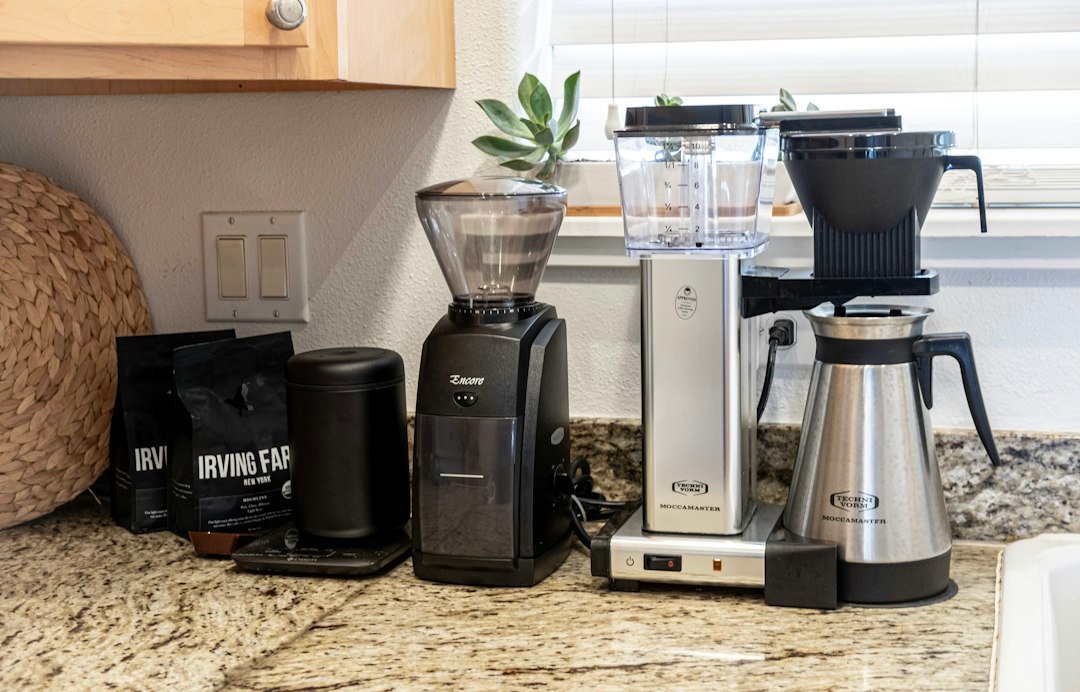
Step 1: confirm it is allowed to start
Check the lid and interlock
Many compact electric grinders will not run unless the lid is seated. A blade model may use a lid-locking mechanism; BLACK+DECKER’s CBG110S listing, for example, says the blades operate only when the lid is securely locked. That safety feature can look like a dead motor when the lid is slightly misaligned.
With the grinder unplugged, remove and reseat the lid exactly as the manual shows. Do not defeat or tape over an interlock to “test” the motor.
Check the bowl and hopper
For a blade grinder, confirm the bowl is seated and not packed with beans. For a burr grinder, check that the hopper and grounds container are installed in the orientation the manual requires. A model may use a different lock position for the hopper, upper burr, or catch cup.
Check the power path
Try the outlet with another safe appliance, then inspect the plug and cord without opening the grinder. Avoid extension-cord assumptions; use the manufacturer’s electrical guidance. For a rechargeable grinder, verify charge and charging instructions rather than running it while connected unless the manual allows that mode.
Step 2: remove a likely jam
Blade grinder
After unplugging, gently turn the bowl only if the manual permits it. Empty the beans and look for a hard fragment or a clump wedged around the blade. Use a dry brush or the prescribed tool. Never hold the blade with your hand and never use water around the motor housing.
Burr grinder
Use only the removal sequence in the manual. Some upper burrs twist out; others require a release mark or a particular setting. Do not force a burr that does not release, because a damaged carrier can create a second problem.
Brush loose grounds from the accessible area, reinstall every part, and test with a small supported dose. Do not run an empty grinder as a generic “reset” unless the manual says to do so.
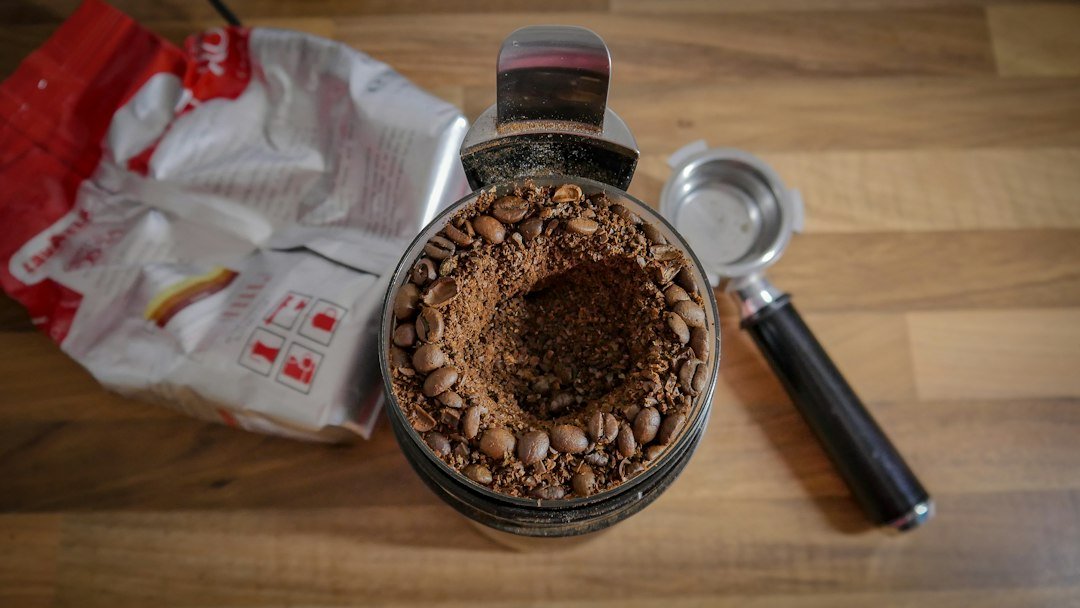
Step 3: reduce the dose and inspect the grounds path
A grinder can stall when beans bridge above the burrs, the bowl is overfilled, or oily residue binds grounds together. Return to a smaller amount within the exact manual limit. If the grinder works with a small dose but stalls with your normal dose, that is a capacity or workflow clue—not proof that the motor is defective.
Inspect the exit path and grounds cup for compacted coffee. For a burr model, verify that the selected setting is within the manufacturer’s supported range. For a blade model, remember that pulse duration changes the result; there is no universal coarse/fine dial hiding under the lid.

Step 4: clean residue without creating damage
Coffee oils and fine dust can make a grinder seem blocked even when the motor runs. Unplug first. Empty the bowl or catch cup, brush dry residue, and follow the manufacturer’s washable-parts instructions. A cloth should be damp only where the manual permits; keep liquid away from switches, vents, and the motor.
If the grinder also processes spices, odors may remain. Do not assume a quick rinse makes a bowl coffee-neutral. Consider a dedicated coffee grinder if flavor transfer is a recurring complaint.
Step 5: interpret what happens after the reset
| What you observe | Likely direction | Next action |
|---|---|---|
| No sound or movement | Power, lid interlock, charge, or switch | Recheck manual setup and outlet; then support |
| Motor hums but beans do not move | Jam, bridge, or overfilled chamber | Unplug, empty, brush, and retry a small dose |
| Motor runs but grounds are inconsistent | Technique, blade design, worn burr, or setting | Stabilize dose and recipe; inspect manual/service path |
| Stops after repeated use | Heat or overload protection may be involved | Allow the specified cool-down; do not force a restart |
| Burning smell or damaged cord | Possible electrical fault | Stop using and seek manufacturer service |
These are troubleshooting directions, not a remote diagnosis. The manual and manufacturer support determine the safe repair boundary.
When cleaning is not enough
Stop if the grinder repeatedly trips protection, the motor smells burnt, the blade or burr is visibly damaged, the housing is cracked, or a safety interlock does not behave as described. Do not open a sealed motor housing or replace electrical parts with an improvised substitute.
Record the exact model, the dose, the food being ground, what the grinder does when switched on, and the steps already attempted. That information helps support identify whether the unit needs a part, a replacement, or a different operating routine.
Blade or burr: why the symptom can differ
A blade grinder chops through a bowl, so a stuck clump can stop the blade and a pulse pattern affects the result. A burr grinder draws beans through a narrower grinding path, so a mis-seated burr, fine setting, or compacted grounds path can matter more. Moccamaster’s burr-versus-blade explanation explains the category difference; it is not a diagnosis of your model.
If the grinder works but you dislike the lack of repeatable adjustment, treat that as a mechanism-and-control decision before upgrading. A new mechanism solves a control problem; it does not repair an unsafe power fault.
FAQ
Can I use rice to clean a coffee grinder?
Only if the exact manufacturer permits it. Internet cleaning tips can stress a motor, leave dust, or violate a warranty. Use the manual’s approved method.
Why does it grind when empty but stop with beans?
The dose may be too large, beans may be bridging, or the burr path may be clogged. Unplug, reduce the dose within the manual limit, and inspect the path without touching moving parts.
Should I press the button repeatedly?
No. Repeated restarts can worsen a jam or trigger thermal protection. Unplug, cool, clean, and follow the model’s instructions.
Final checklist
- Unplugged before inspection
- Lid, bowl, hopper, and catch cup seated
- Dose within the manual’s limit
- Jam removed with approved dry tools
- No liquid near the motor
- No damaged cord, burning smell, or defeated safety switch
- Manufacturer support used when the fault persists
Evidence note
Sources: BLACK+DECKER CBG110S product and safety features; Moccamaster burr-versus-blade explainer; Moccamaster KM5 care context. Always follow the exact model manual.